Setup guide
Two ways to install Le Gantt
Use the "Add to Trello" button for the fastest path, or add it from Trello's Power-Up marketplace if you're already on your board. Pick whichever you prefer—the result is the same.
- 1
Click "Add to Trello"
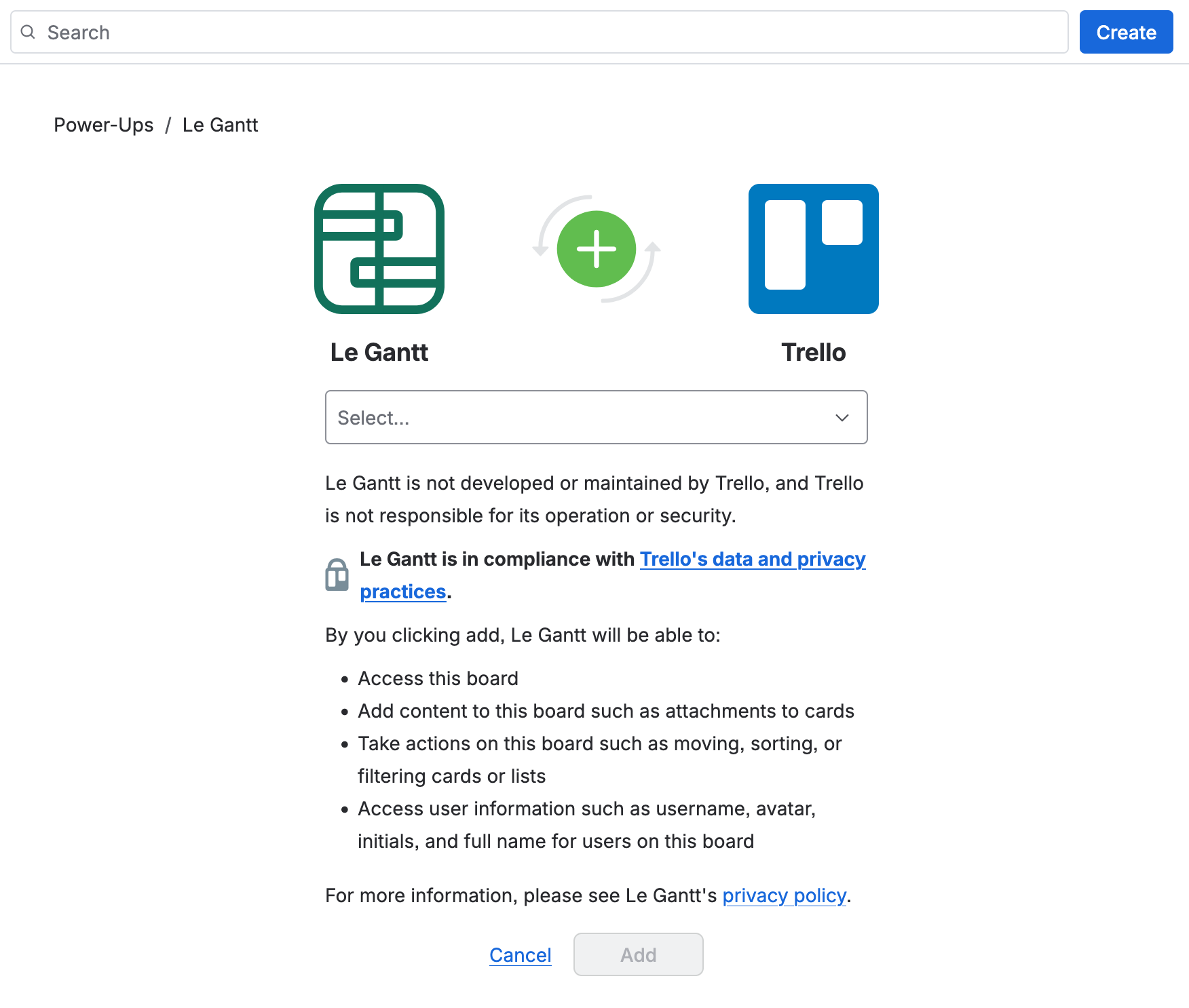
Use the button below (or the one at the top of this page). It opens Trello's Power-Up enable screen for Le Gantt.
- 2
Choose a board and enable the Power-Up
Pick the board you want to see as a Gantt chart and click "Add" to enable Le Gantt on it. If you're not signed in to Trello yet, you'll be asked to log in first. That's it—the Power-Up is now active and ready to use.

After installing
Where to find Le Gantt
Once the Power-Up is enabled, "Le Gantt" appears in your board's top menu bar. Click it to open your Gantt chart.